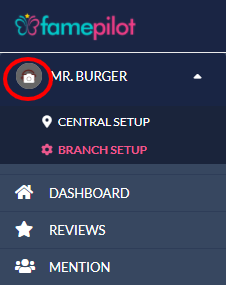
Click on your Company Name in the left Navigation panel.
In the drop-down, go to SetUp > SetUp Business Profile
Fill out the form by editing, Business Profile, About, Photo (Your Logo), Business hours are required.
Step 1:
Click On Branch Setup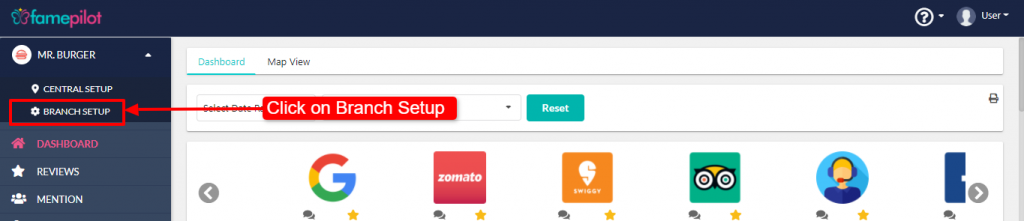
Step 2:
Click on EDIT to ADD information in the fields and SAVE.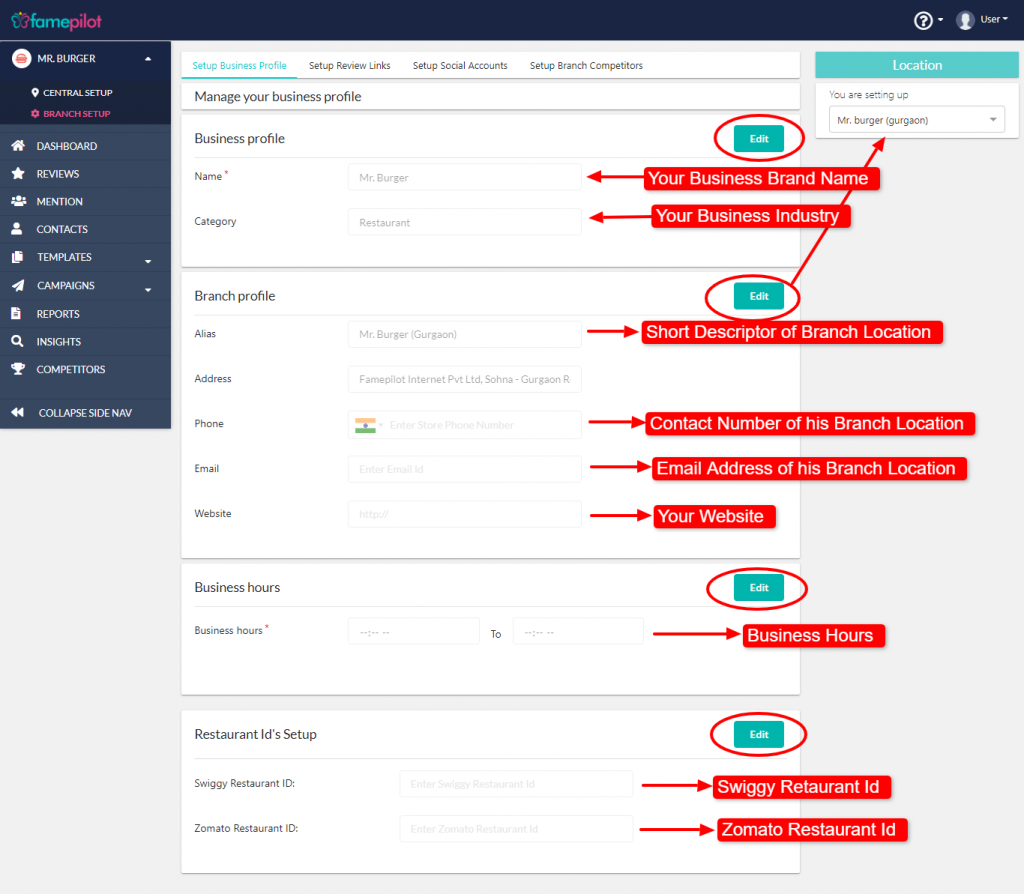
Step 3:
Hover it to add or edit logo.